Best general workflow: choose a readable icon, mark its biggest visual regions, finish the background, build the central silhouette, then spend hints on ambiguous edges and highlights.
Choose a subject that fits your session.
Flat background, large central form, few color changes.
Several regions with readable outlines and moderate detail.
Lighting gradients, tiny objects, and many similar colors.
The official listing advertises more than 6,000 icons, but it does not publish a difficulty scale. Treat visual complexity—not popularity—as the useful selection rule.
Turn the reference into regions.
- Read the whole square.Identify the background, central subject, text, and smallest accents before placing a cell.
- Choose one anchor.Use a clear corner, centerline, or large edge to keep the image aligned as you move.
- Close the biggest flat area.A finished background gives every later silhouette a visible boundary.
- Build the main silhouette.Ignore highlights until the subject reads correctly from a distance.
- Resolve close colors at the edges.The earlier 0.5.3 listing said similar-looking colors were combined; still use the current palette shown in-game.
- Finish with accents and a scan.Check corners, thin lines, isolated cells, and gaps before calling the canvas complete.
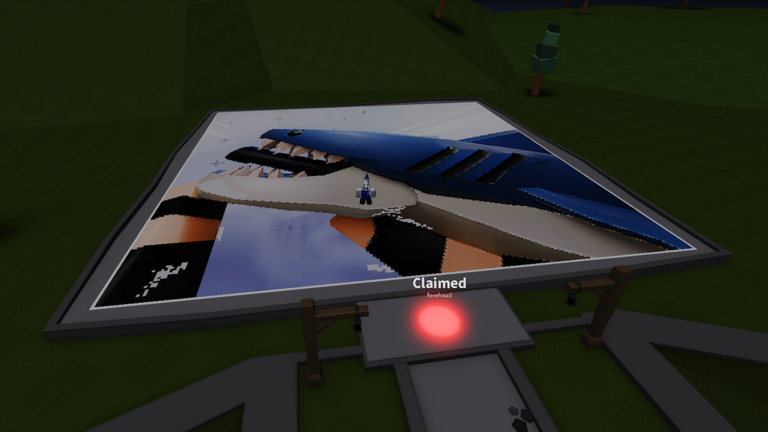
Buy speed only where it removes real friction.
Bigger Paintbrush
Doubles the normal painting radius. Strongest fit: backgrounds and other large flat regions.
Open on Roblox ↗
Unlimited Hints
Removes the 10-second wait between hints. Strongest fit: detailed icons with many uncertain edge cells.
Open on Roblox ↗Gamepass prices and effects can change. Check the Roblox purchase screen before spending; the values above came from the official product API on July 28, 2026.
A sixty-second canvas scan.
- Outer edge: look for a one-cell break in the background or border.
- Silhouette: step back and ask whether the subject reads without tiny detail.
- Repeated colors: compare matching corners and mirrored shapes.
- Text or symbols: scan line by line instead of reading the word normally.
- Checkpoint: remember the last finished region if you plan to leave.
Technique questions.
What is the easiest kind of icon to paint first?
Choose a square icon with a plain background, one central silhouette, high contrast, and broad areas of the same color.
When should I use a hint?
Save hints for ambiguous boundaries, small highlights, or cells where two nearby colors are difficult to distinguish.
Is Bigger Paintbrush required?
No. It is a convenience pass that doubles painting radius. It helps most on icons with large flat regions.
Does this guide assume a canvas size?
No official canvas dimensions were published in the sources used here. The progress planner works from counts you enter.